08 Wireframes

Screen layouts and navigation flow.

Wireframes document the page structure, screen hierarchy, component placement, and click paths across the Mealchemy product experience.

Page change Button function Formatted input page

Navigation Flow

The annotated flow shows movement from onboarding into sign in, dashboard, recipe creation, discovery, pantry, vault, and scrollable discovery.
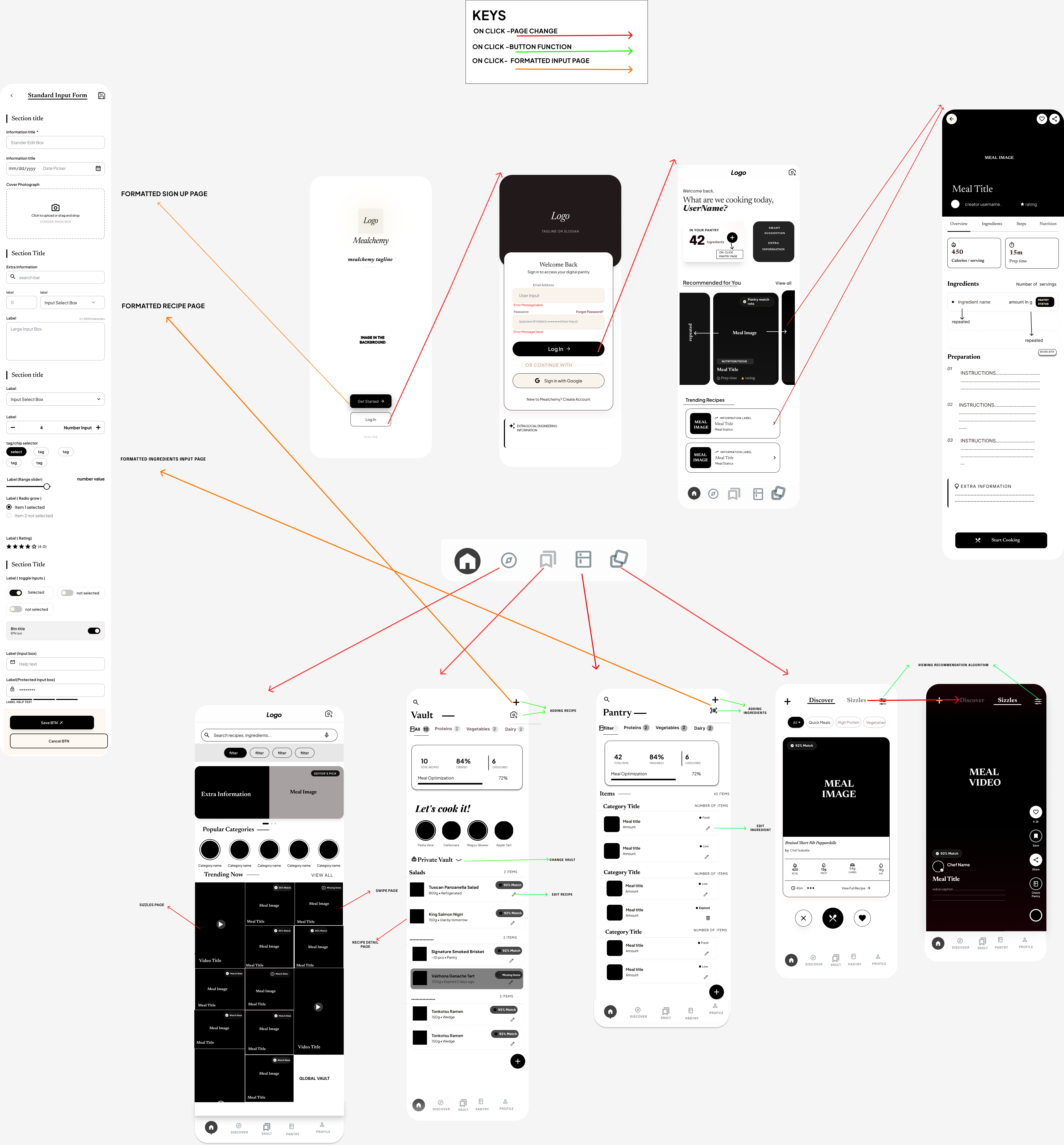
Annotated Mealchemy navigation flow showing page changes, button functions, and formatted input pages
Navigation map showing core flows, page changes, and linked app areas.

Mockup vs Live app

Each pair shows the original mockup beside the live app screen.
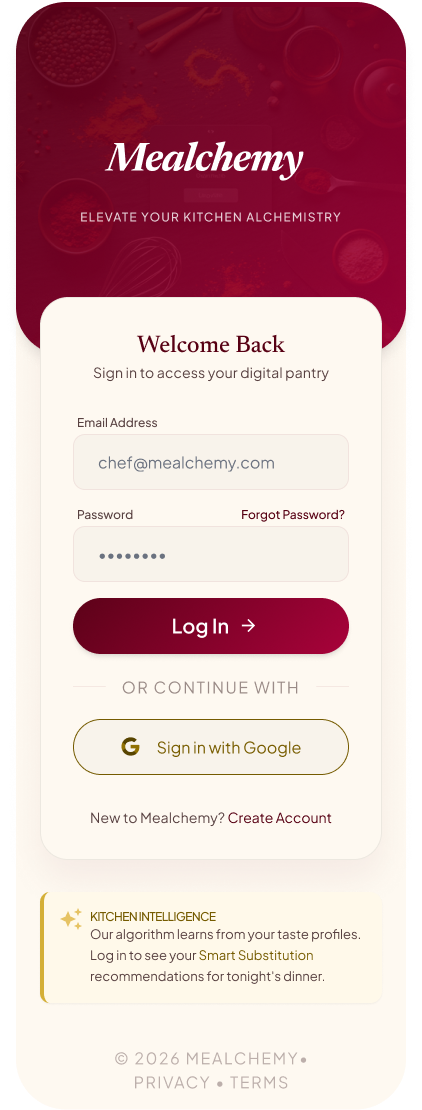
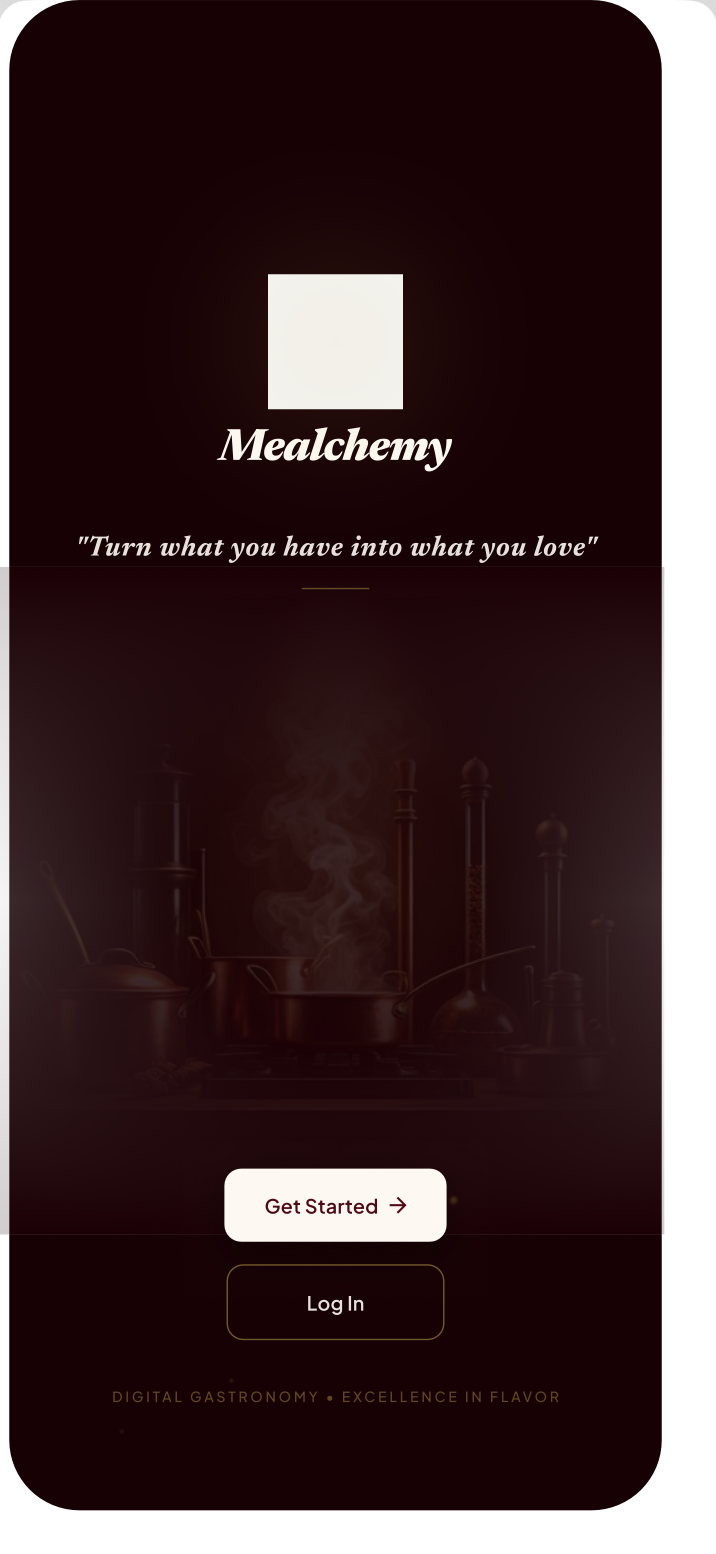
Sign-in splash

Mockup Start page mockup
Live app Live sign-in screen

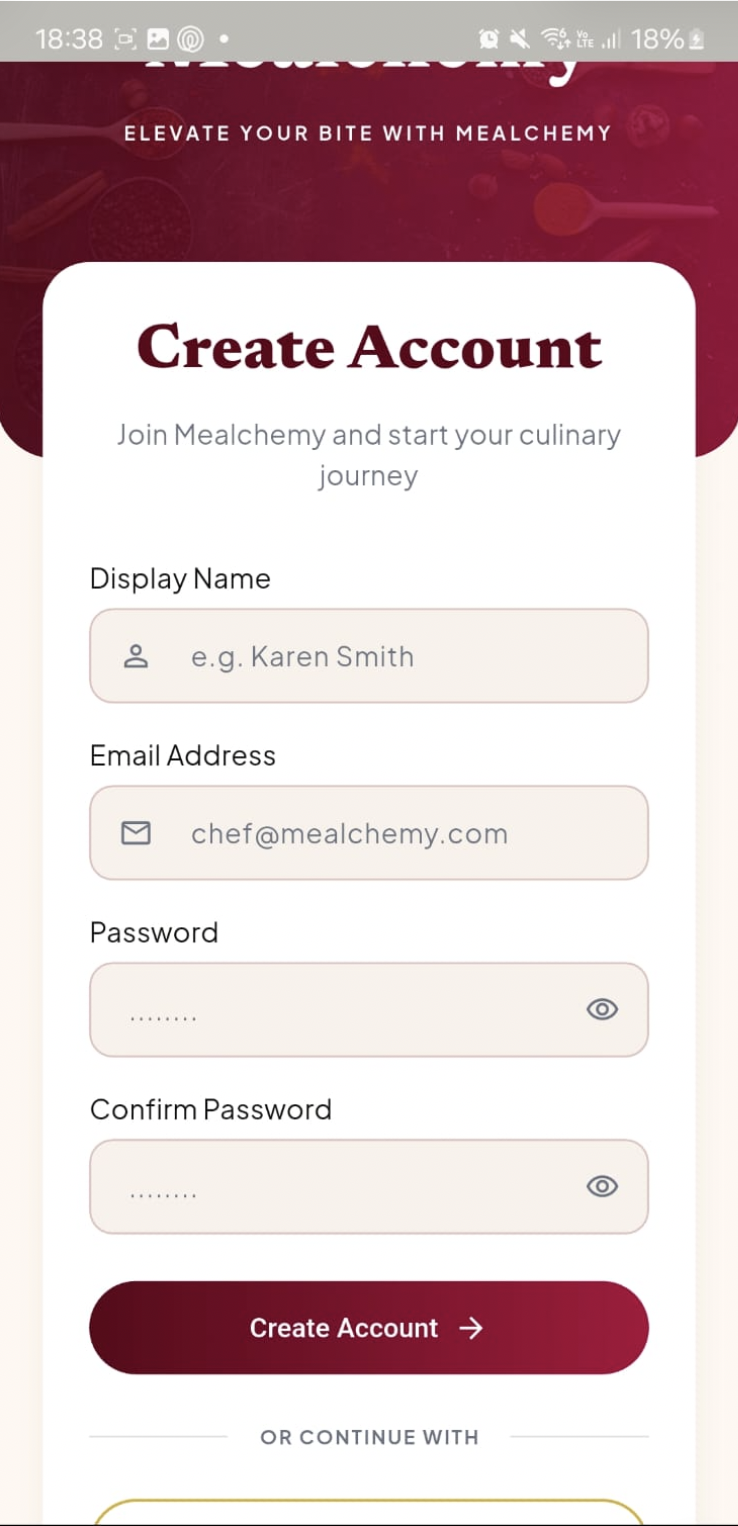
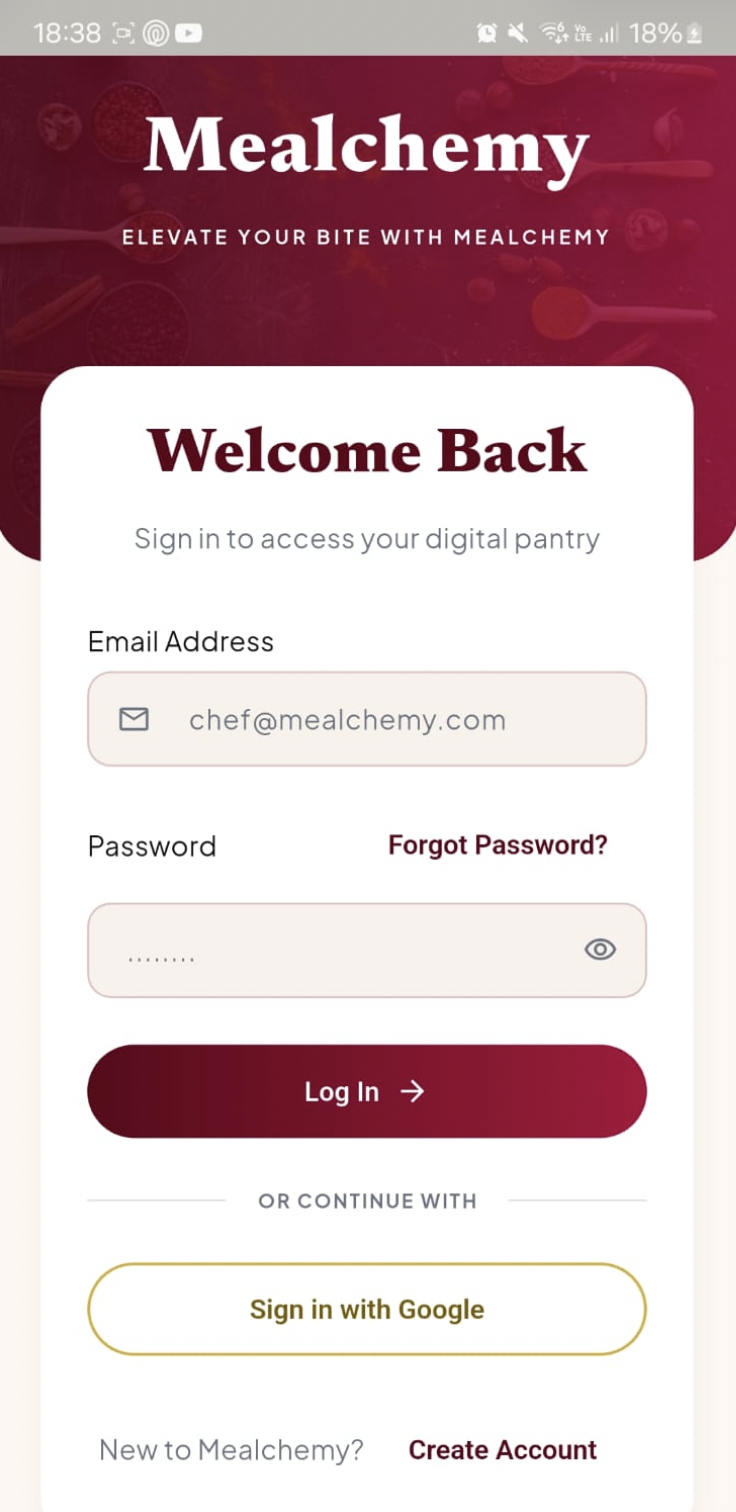
Create an account

Mockup Login form mockup
Live app Live create-account screen

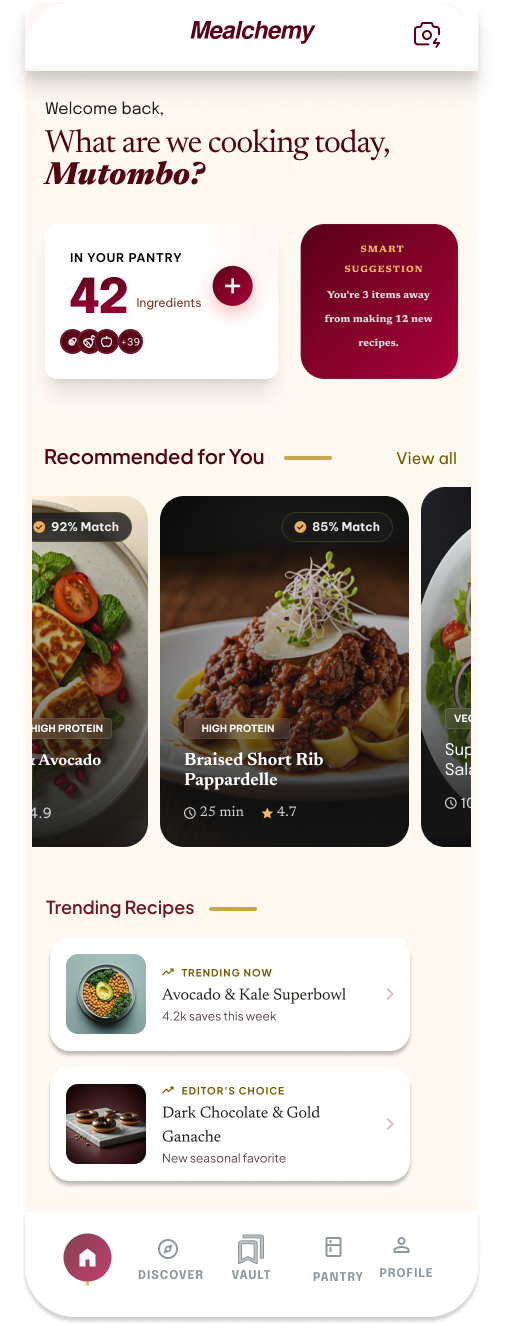
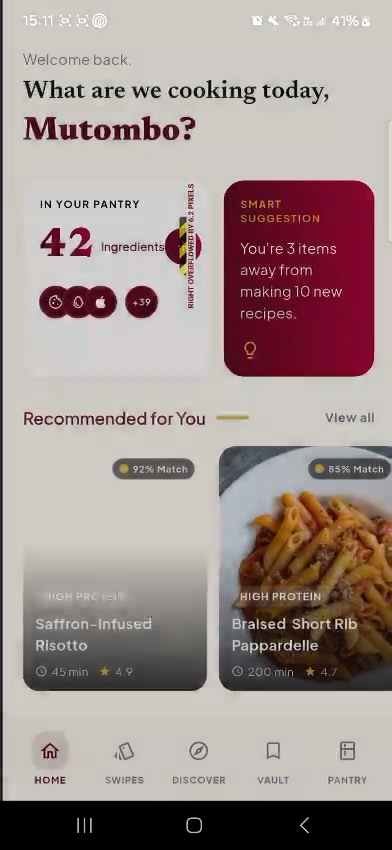
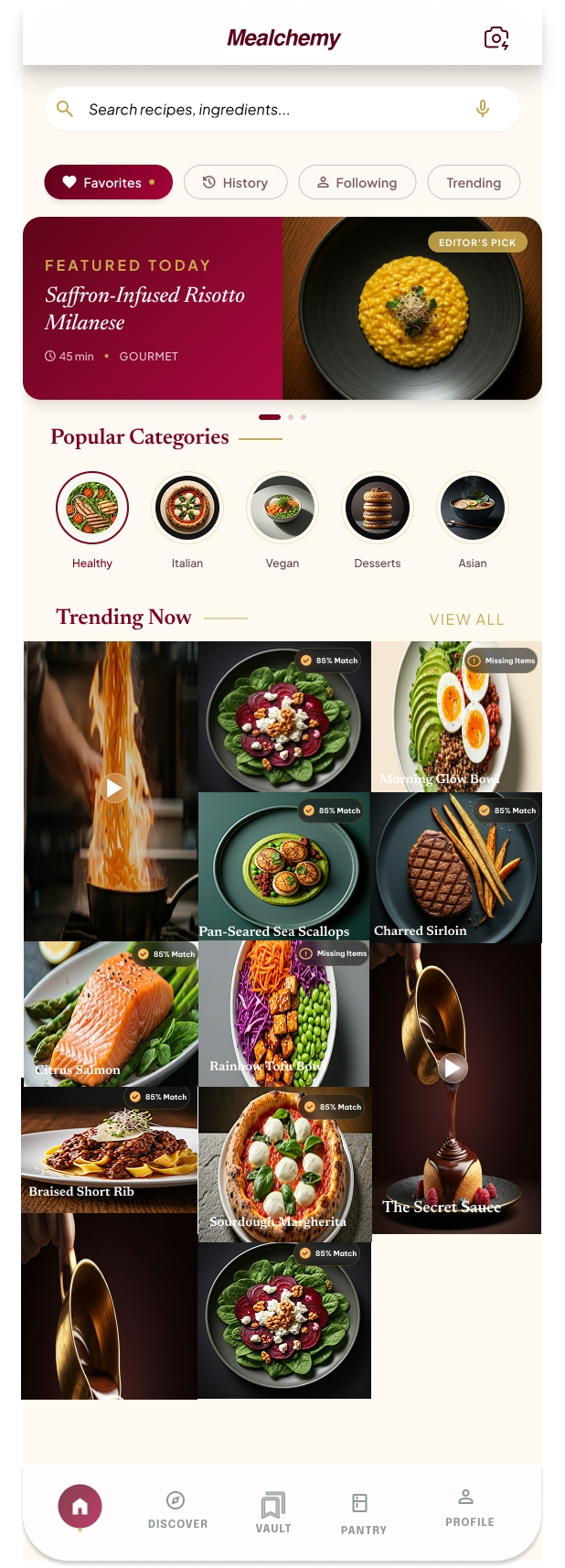
Dashboard / Home

Mockup Dashboard mockup
Live app Live dashboard screen

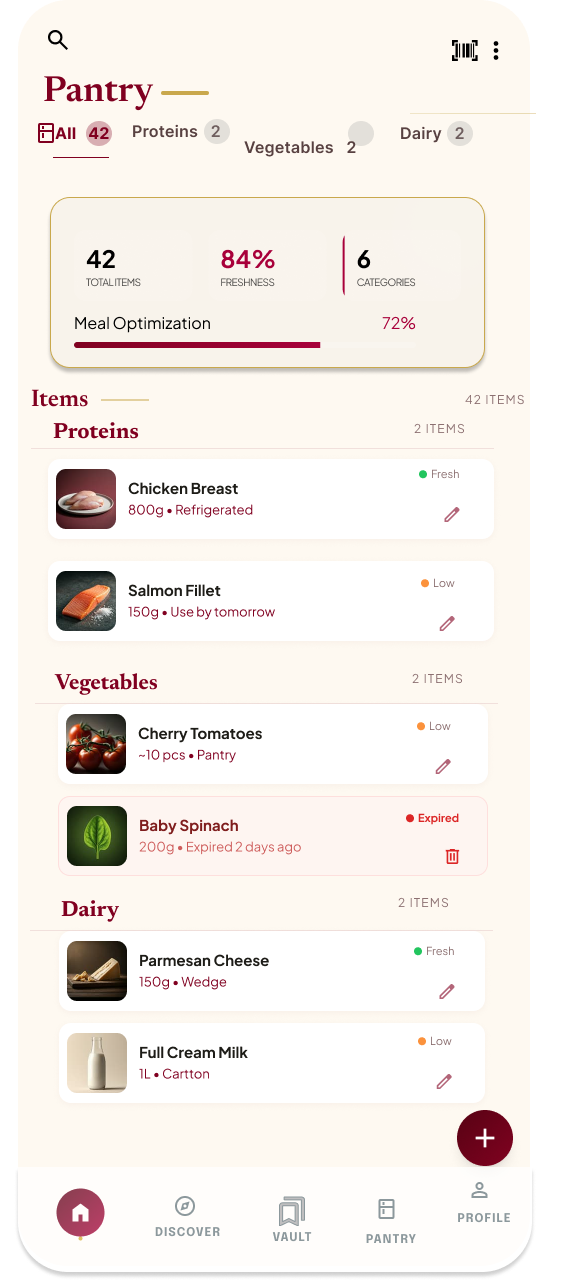
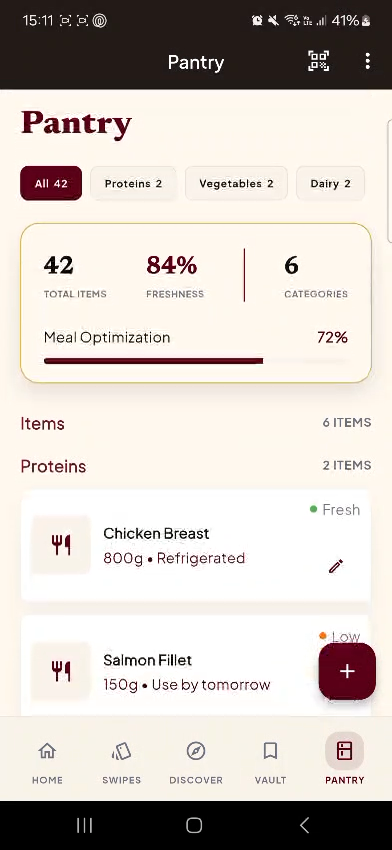
Pantry

Mockup Pantry mockup
Live app Live pantry screen

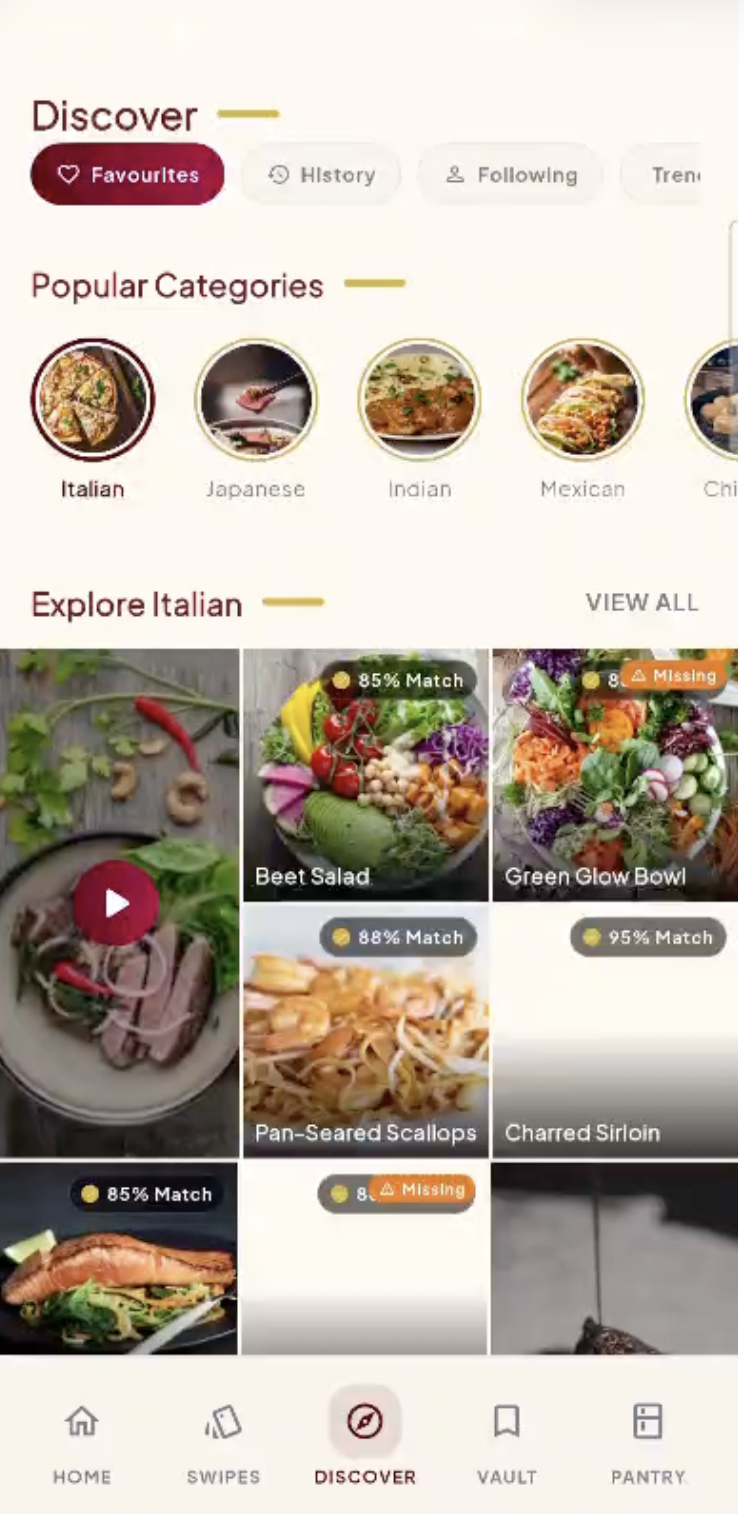
Discovery

Mockup Discovery mockup
Live app Live Discover page

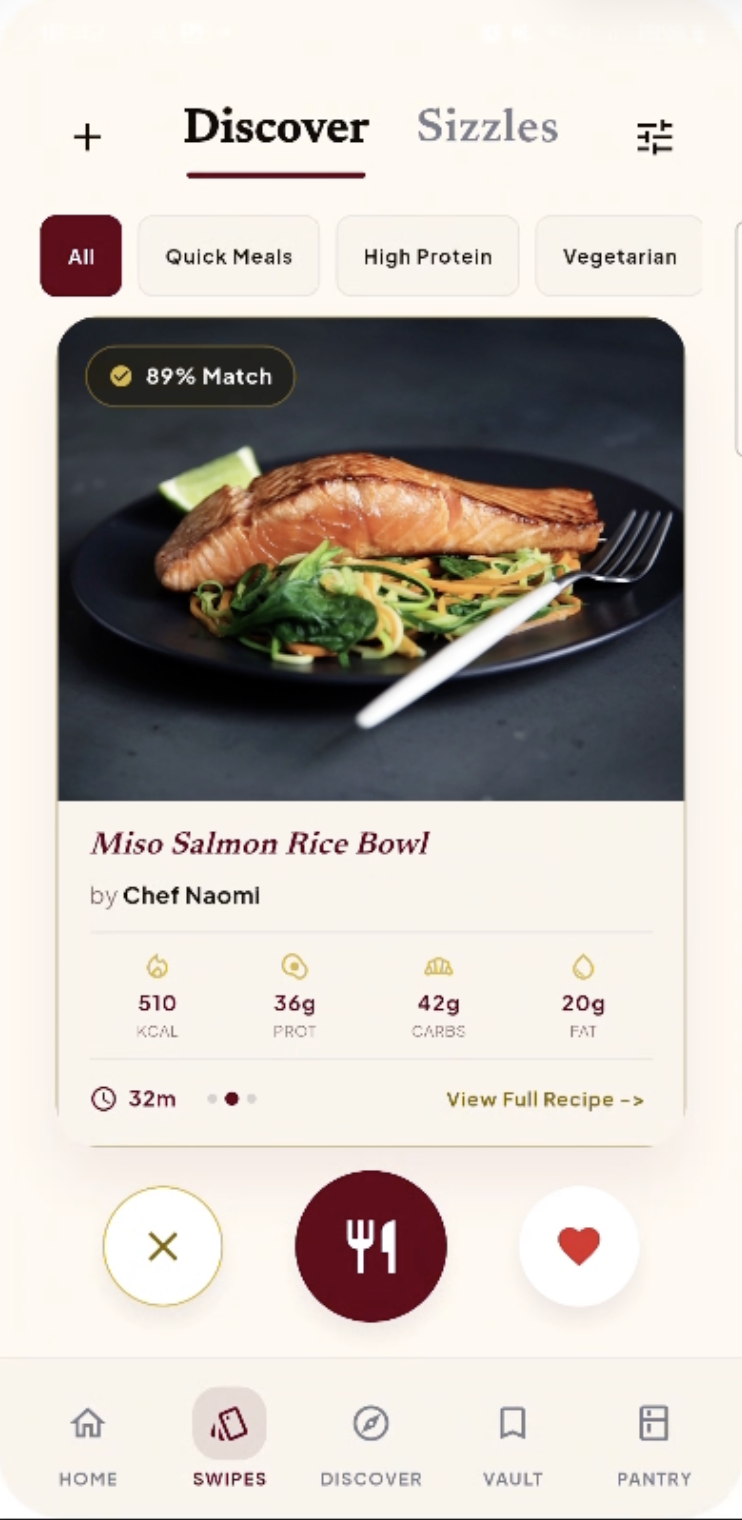
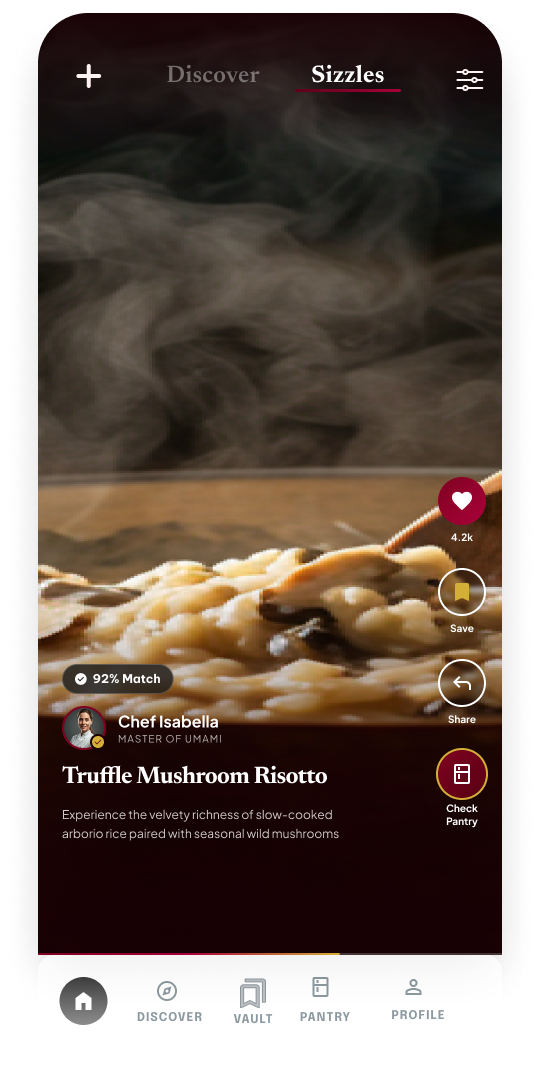
Guided discovery / swipe

Mockup Guided discovery swipe mockup
Live app Live swipe / guided discovery screen

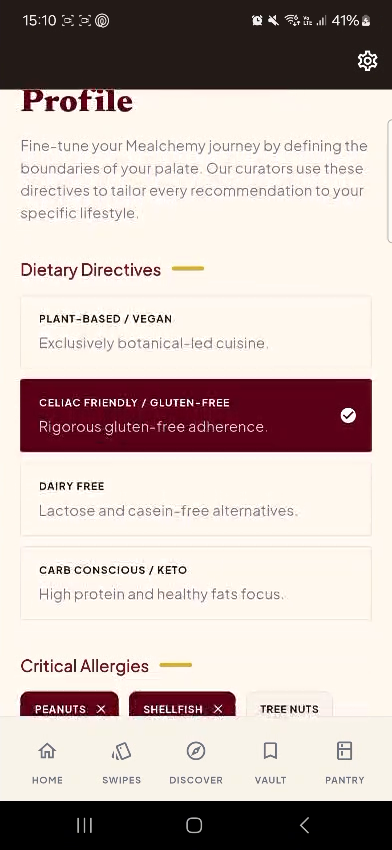
Preference profile

Mockup Preference profile mockup
Live app Live preferences screen

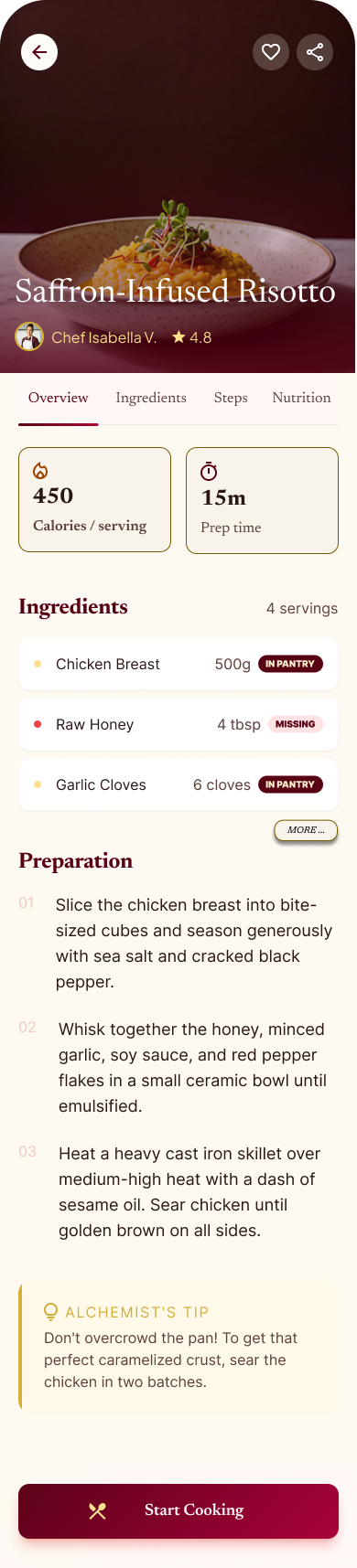
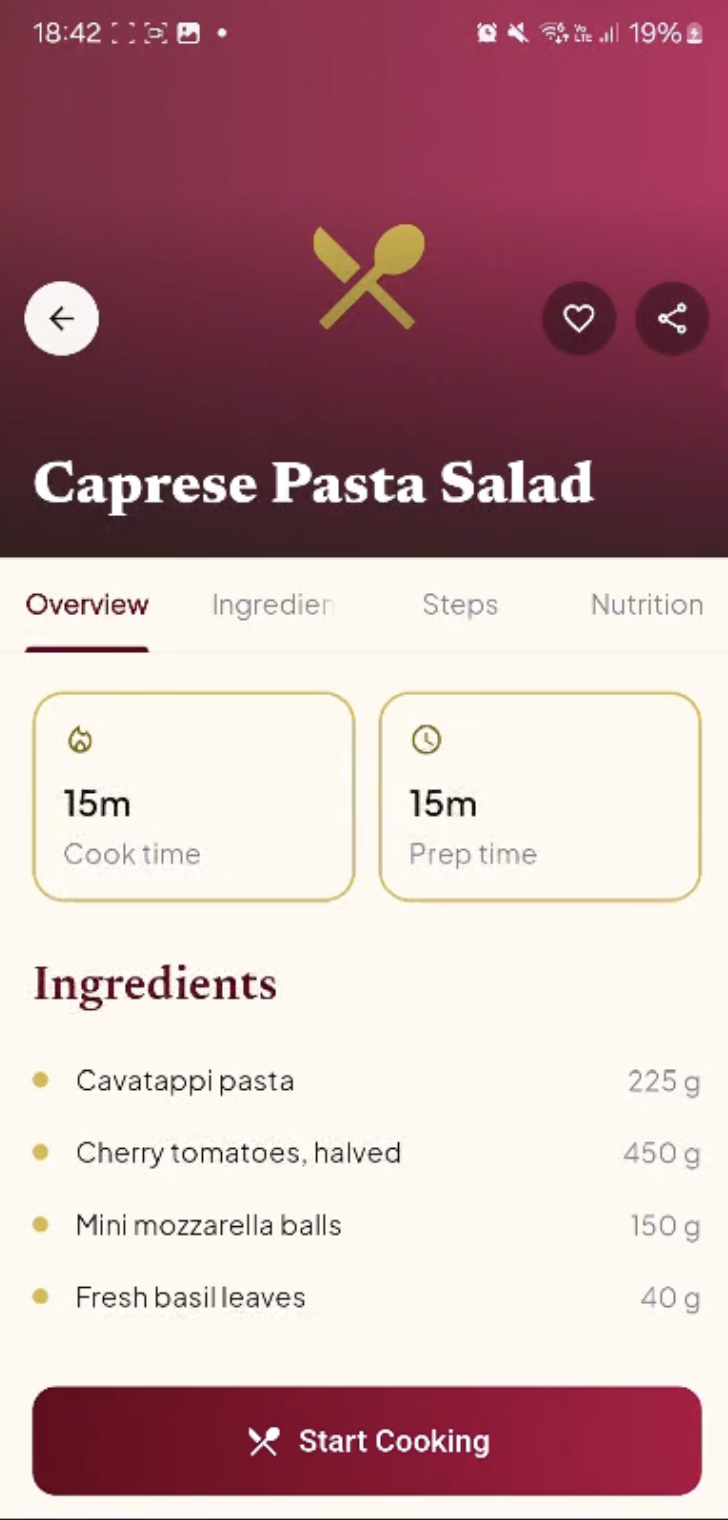
Recipe instructions

Mockup Recipe detail mockup
Live app Live recipe instructions screen

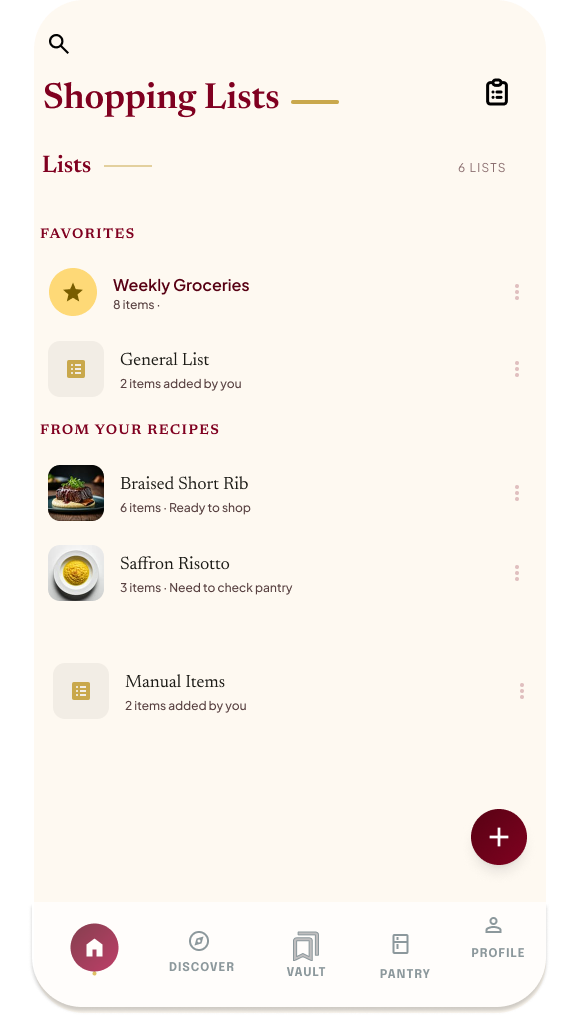
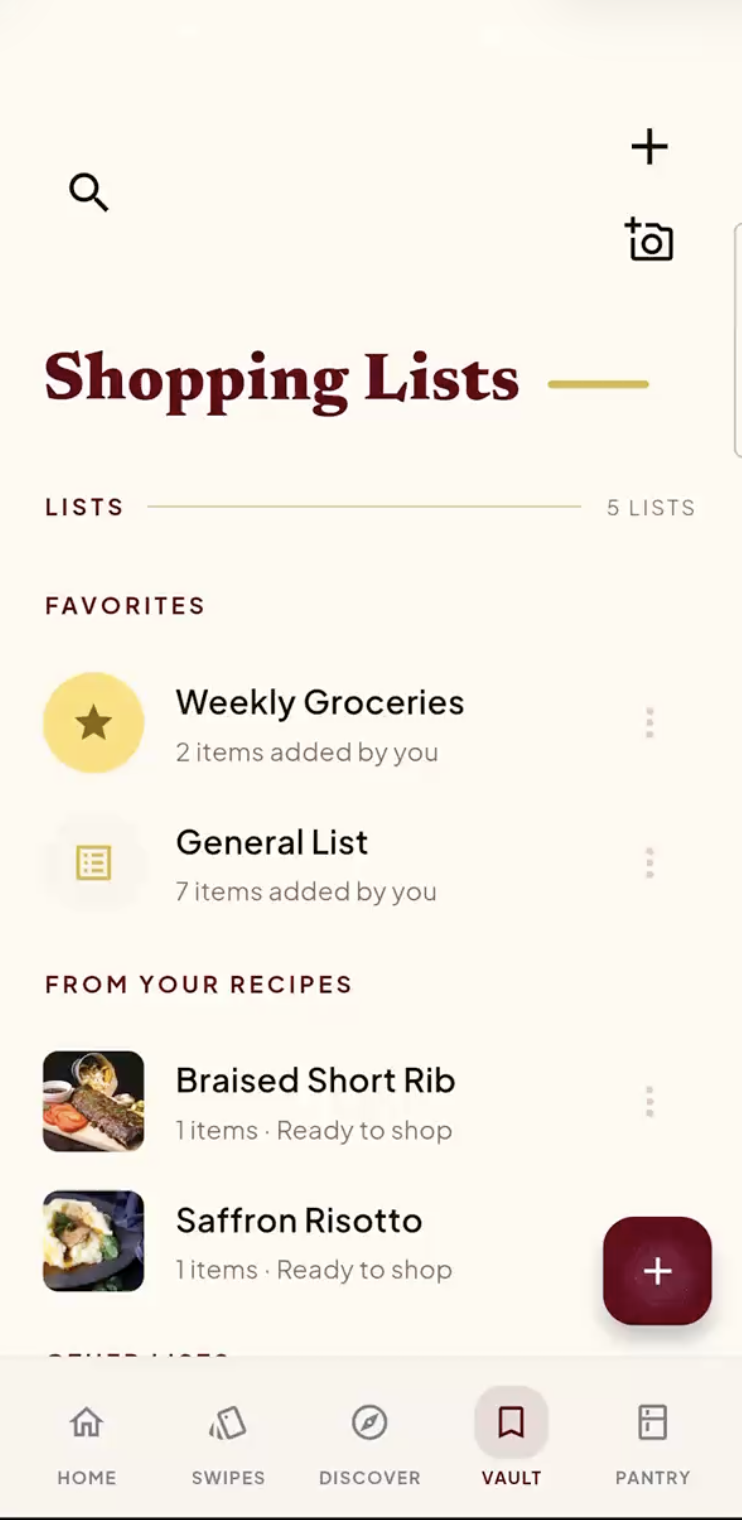
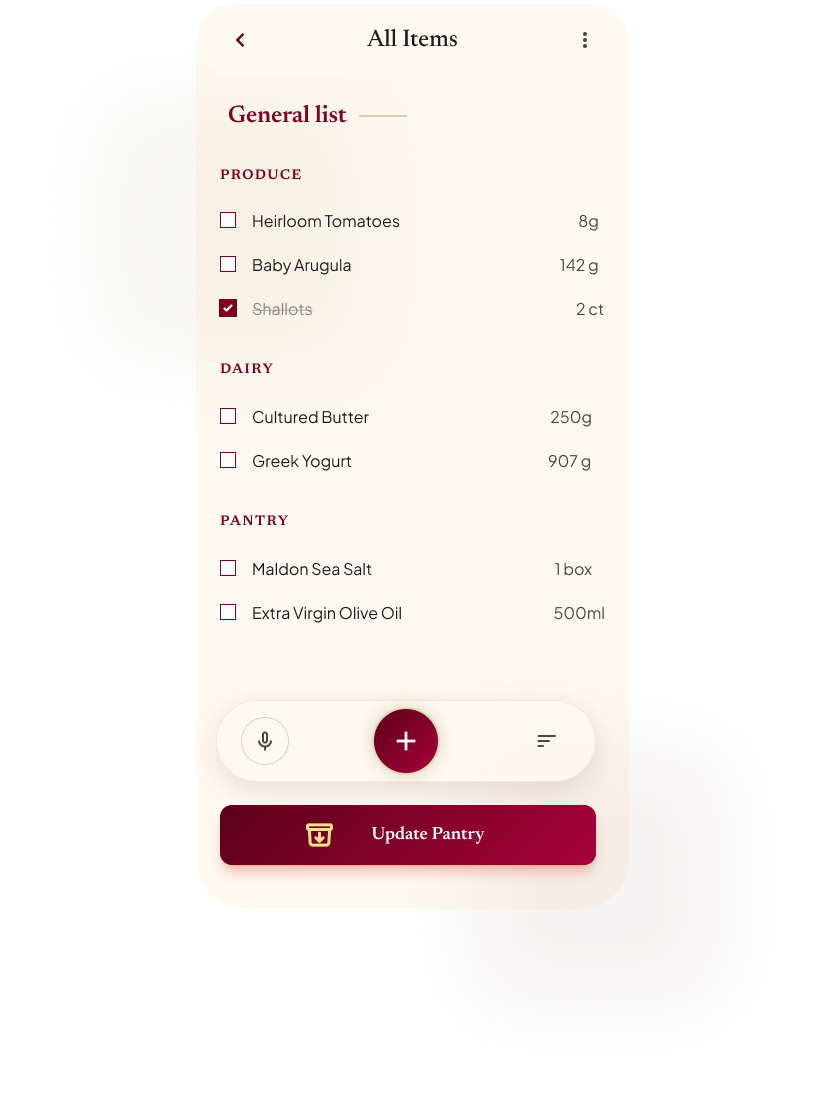
Shopping list

Mockup Shopping list mockup
Live app Live shopping list screen

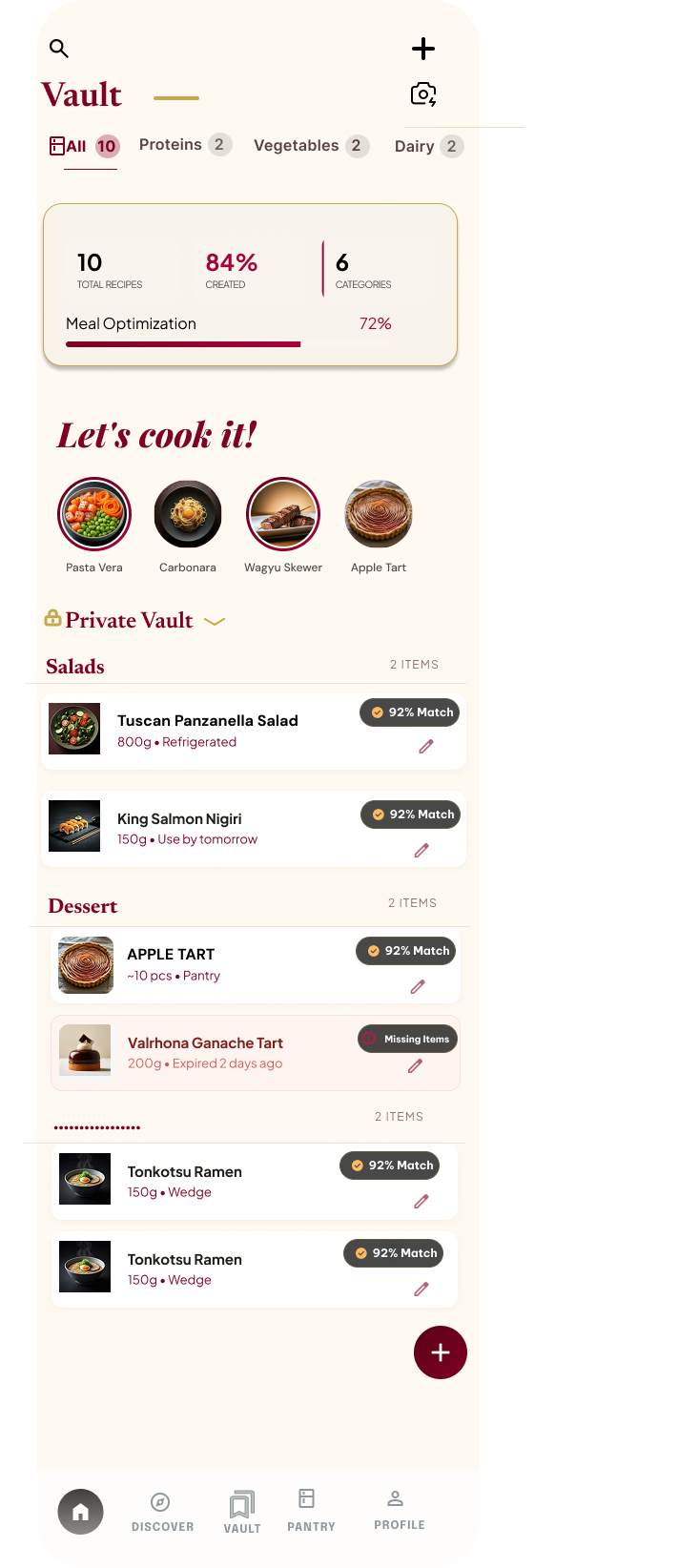
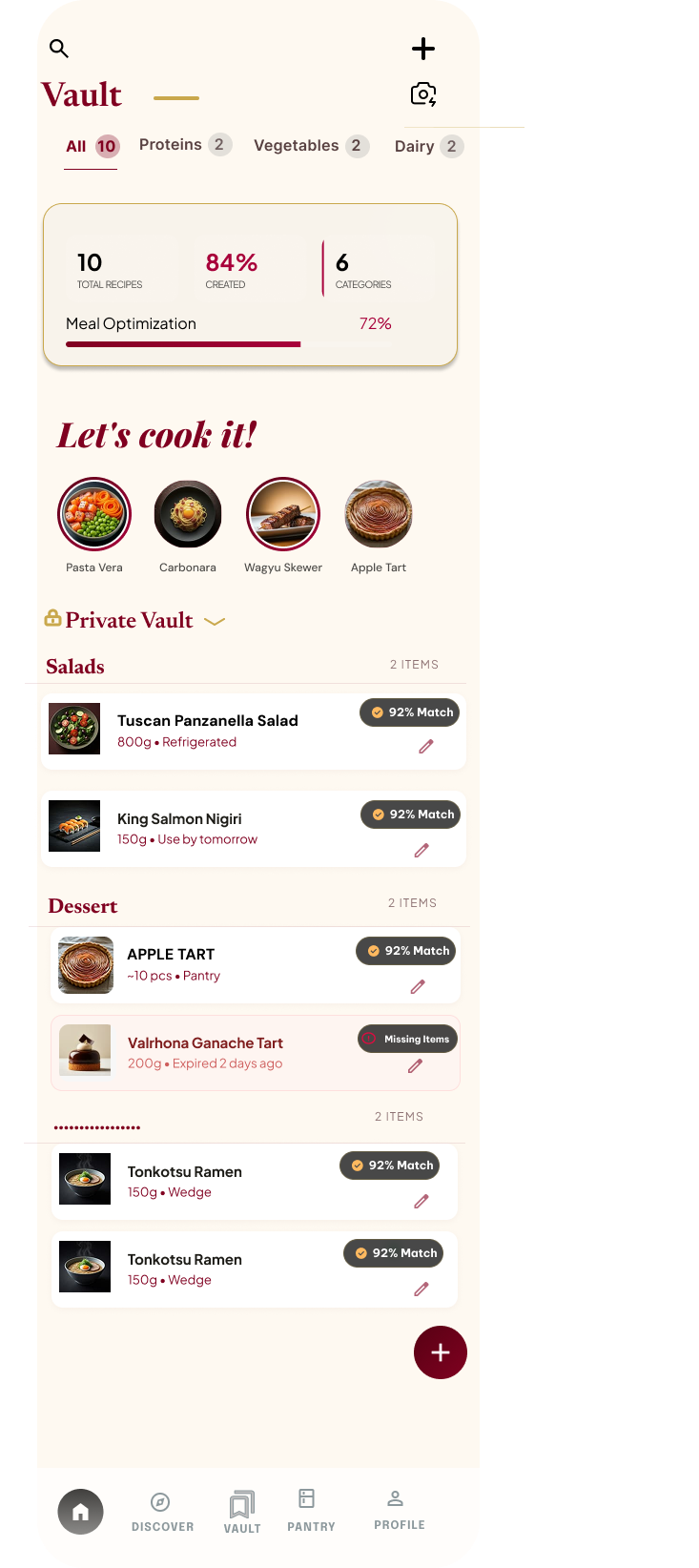
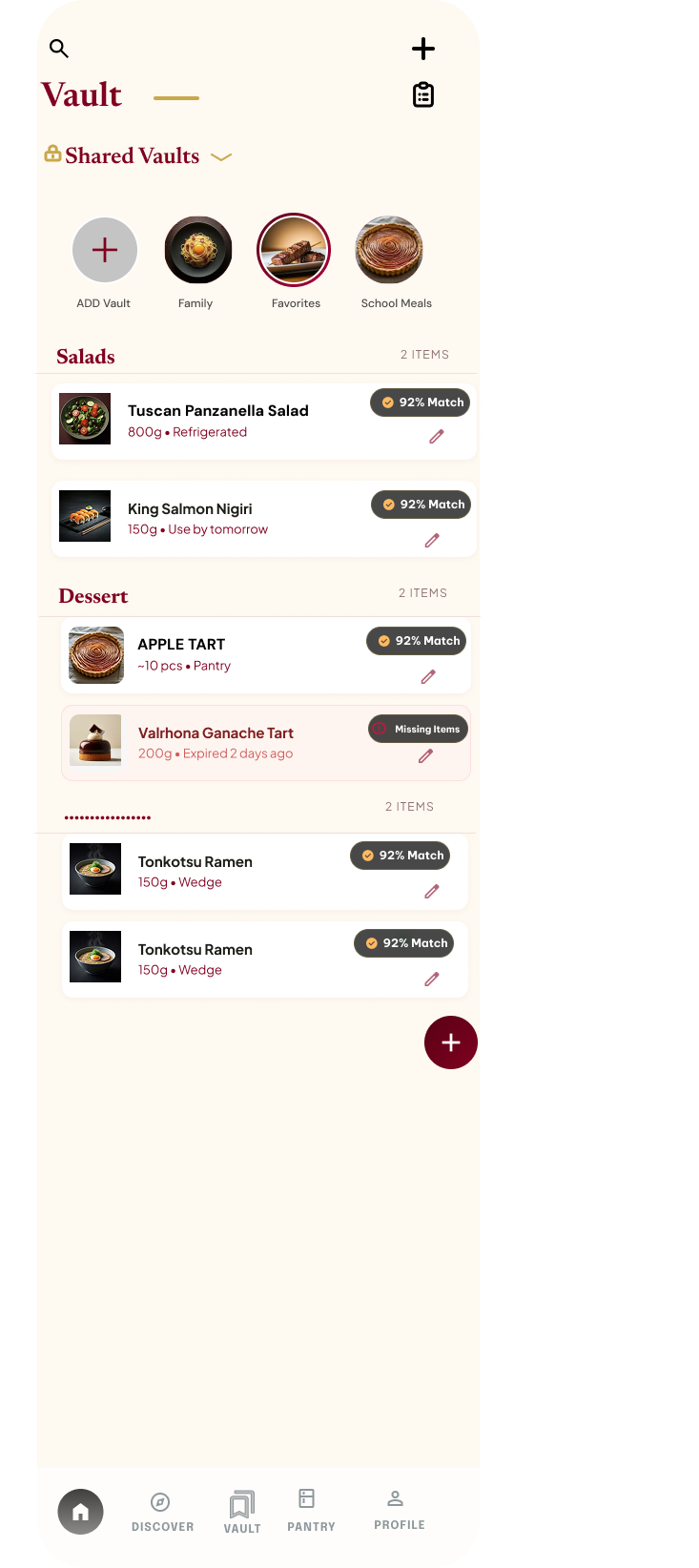
Vault

Mockup Vault overview mockup
Live app Live Vault screen

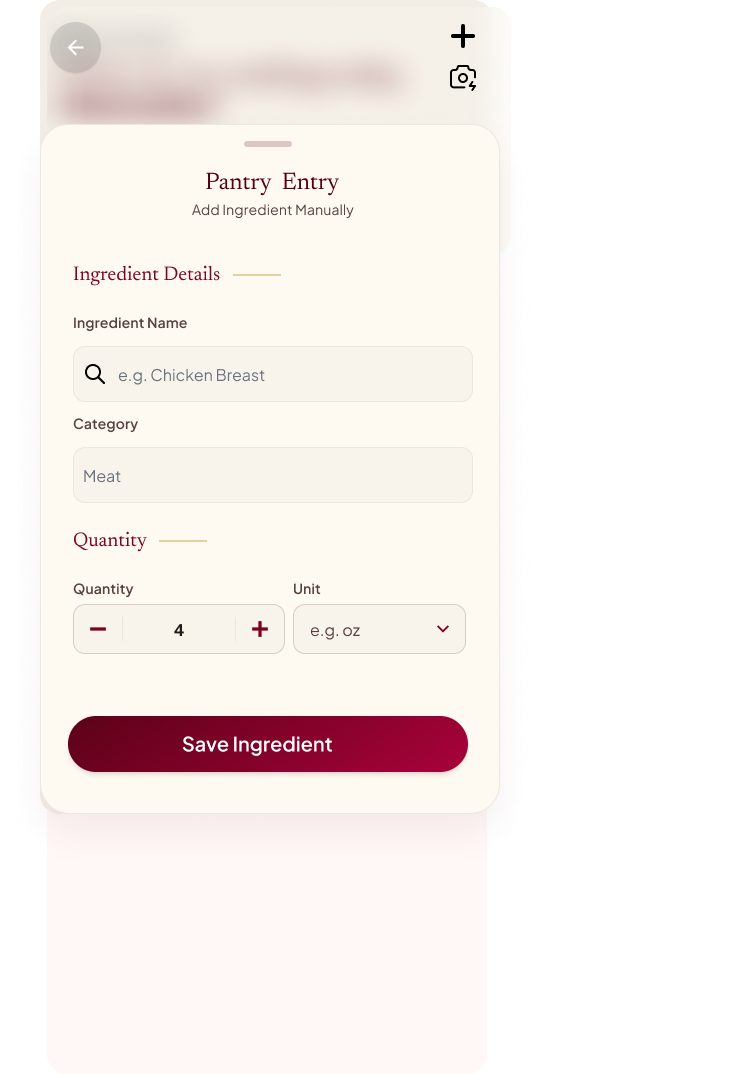
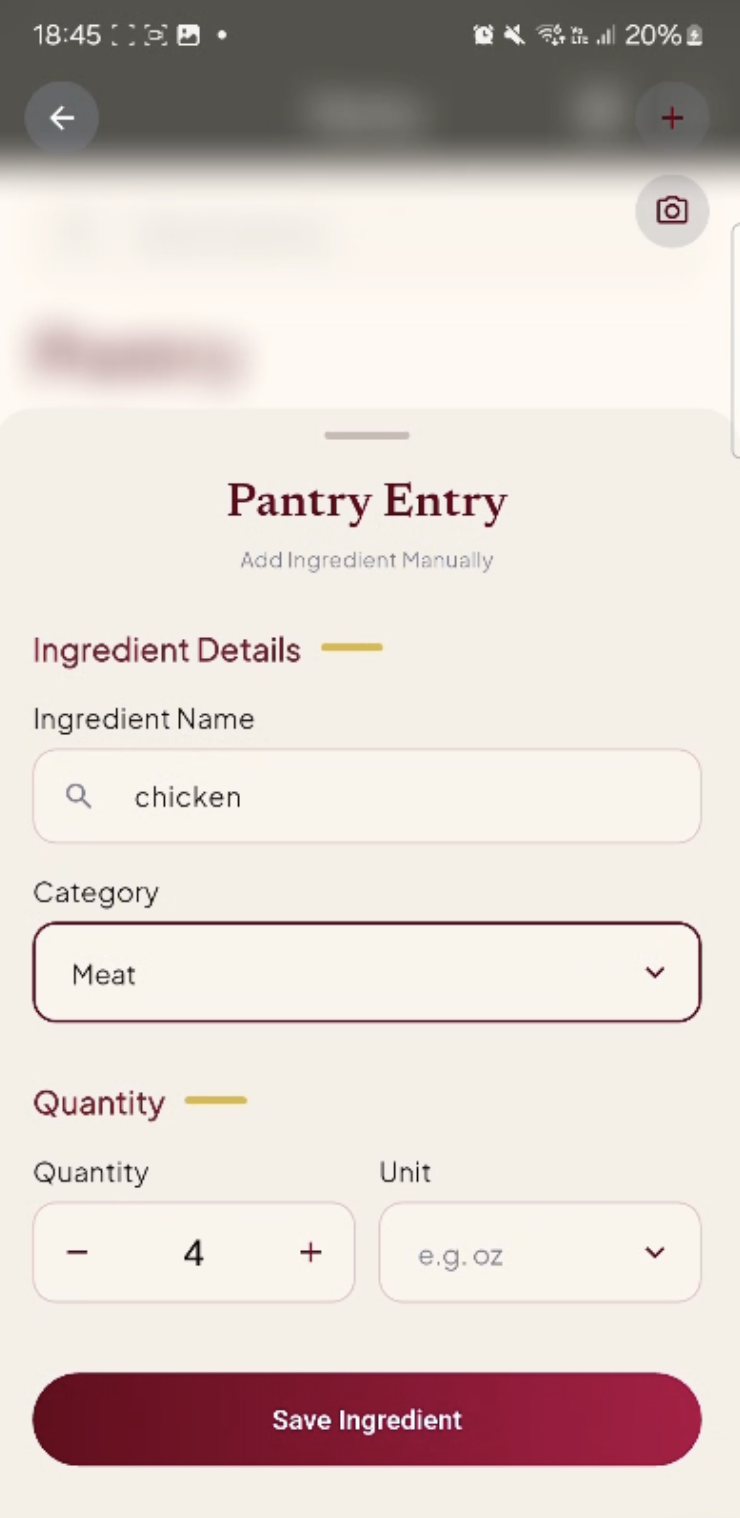
Add pantry item

Mockup Input pantry ingredient form mockup
Live app Live Add Pantry Item screen

Additional Mockups

These supporting mockups clarify the broader wireframe set.
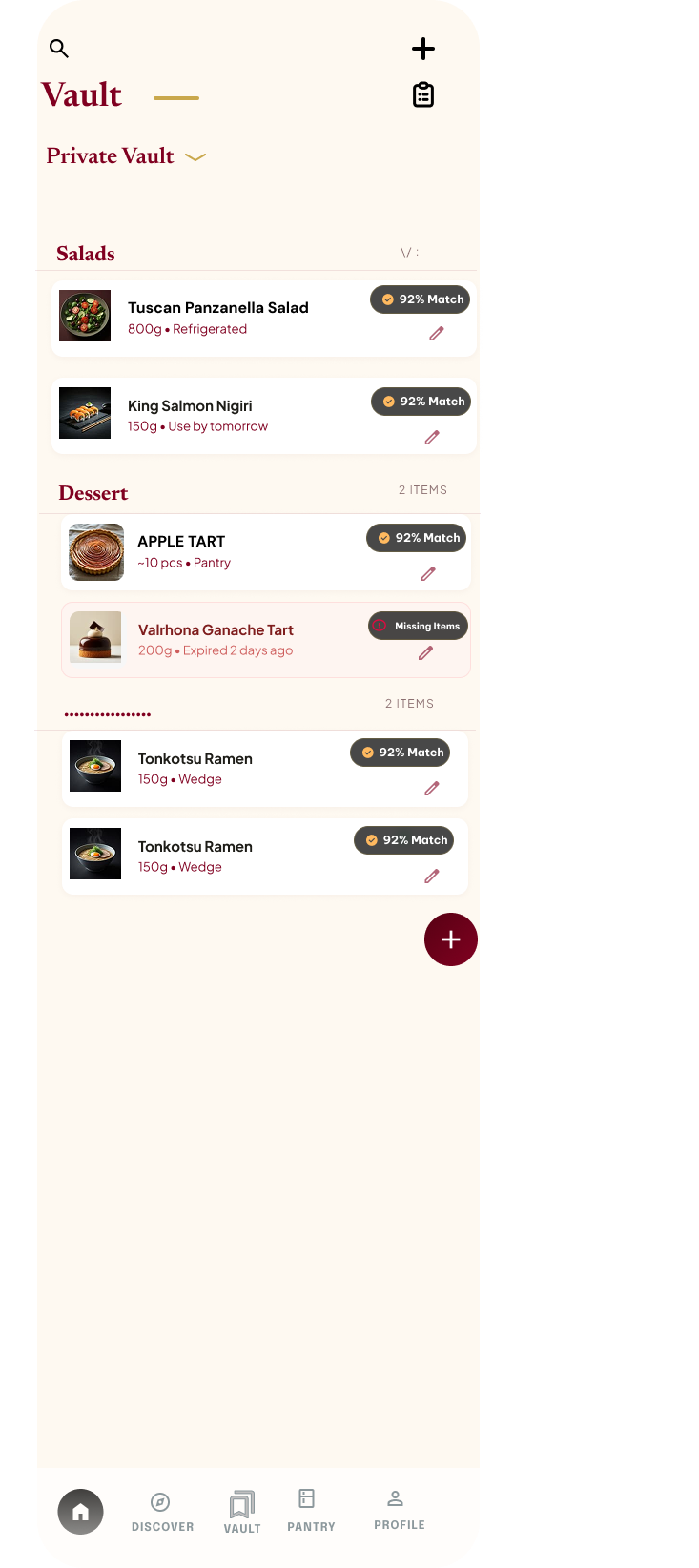
Private vault mockup
Private Vault
Shared vault mockup
Shared Vault
General shopping list item mockup
Generated Shopping List
Scroll interface mockup
Scrollable Discovery

Reusable Interface Patterns

Top app bar component
Top App Bar
Bottom navigation bar component
Bottom Navigation
Sticky filter tags component
Sticky Filter Tags
Tabs component
Discover Tabs
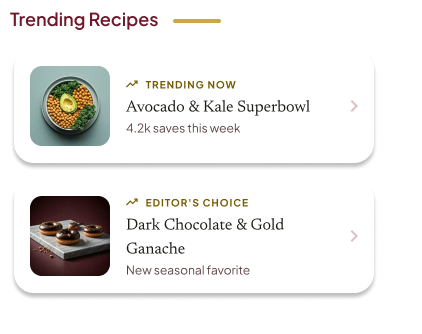
You can make this now recipe list component
Recipe List Section